
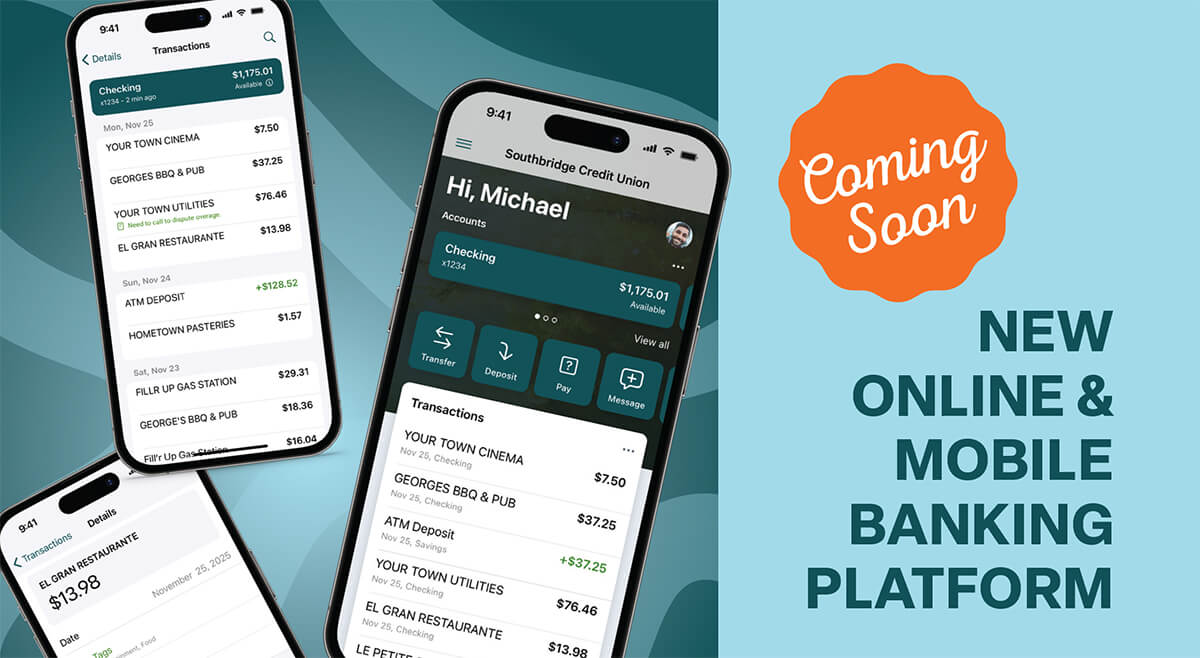

Coming September 9th
On September 9, 2026, Southbridge Credit Union will launch a new Online & Mobile Banking platform designed to make managing your money simpler, faster, and more convenient.
Our new Online & Mobile Banking platform gives you more ways to stay connected to your accounts with improved tools, enhanced security, and a modern experience that works across your devices.
Here’s everything you need to know.
The new app will be available for download September 9th.
What You’ll Love About The New Experience
At SCU, we’re always looking for ways to make banking easier for our members. Our new Online & Mobile Banking platform provides a more streamlined experience whether you’re checking balances, depositing checks, paying bills, transferring funds, or managing your accounts on the go.
The platform is built with industry-leading technology and includes new features designed to help you bank confidently from anywhere.
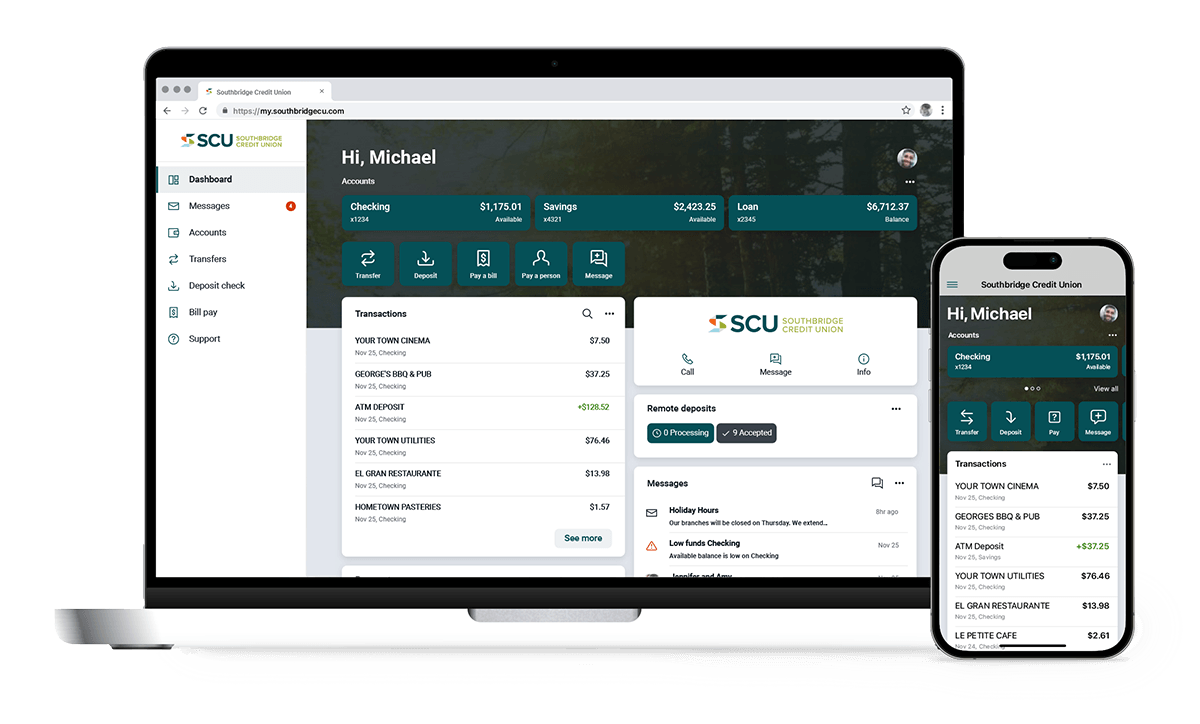
Works Across Your Devices
One consistent experience on desktop, tablet, and phone, built with industry-leading technology.
Touch ID or PIN Login
Log in securely using your fingerprint or a personal identification number, fast and safe.
Smarter Transaction Search
Find any transaction quickly. Add notes, attach images, and filter by tags to understand your activity at a glance.
Mobile Check Deposit
Deposit a check by snapping a photo with your phone, no trip to the branch needed.
Bill Pay & Person-To-Person Payments
Pay bills or send money to friends and family quickly and securely right from the app.
Flexible Fund Transfers
Set up one-time, future-dated, or recurring transfers with ease.
Personalize Your App
Arrange features in a way that works for you, customize per device, and move things around however you like.
Branch & ATM Finder
Locate the nearest branch or fee-free ATM using your current location, anytime you need us.
Action Needed Now
What You Need To Do Before September 9th
To help make your transition as smooth as possible, please take a few minutes to verify that we have your current:
- Email address
- Mobile phone number
- Mailing address
You’ll also want to have your member account number available when it’s time to enroll. Use the link below to find your info on mobile or desktop devices.
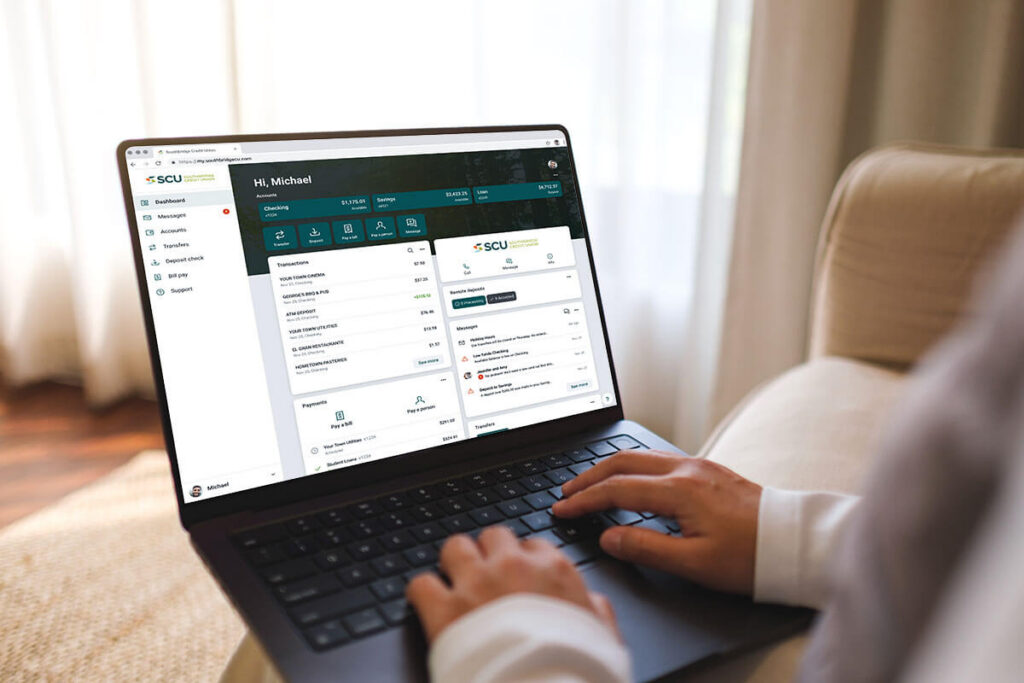

Getting Ready To Enroll
When Online & Mobile Banking launches on September 9th, you’ll complete a simple enrollment process.
To enroll, you’ll need:
- Member number
- Social Security Number (SSN), Tax Identification Number (TIN), or Employer Identification Number (EIN)
- Email address
- Phone number
GOOD NEWS: You can continue using your current username, making the transition even easier. Additional enrollment instructions will be provided as we get closer to launch.
Frequently Asked Questions
No, your account number will remain the same.
It’s up to you! You can either use the same user name or choose a new one when you register your account.
Yes. All of your account information and transaction history will be transferred to the new system.
The current system will be retired on September 8th. The new Online & Mobile Banking platform will launch on September 9th.
No. Online and mobile banking will be unavailable on September 8th. If you anticipate needing to check balances, transfer funds, or pay bills, please complete those transactions before September 8th, while the current system is still available.
(888) 599-2265. We’ll be happy to answer all of your questions!
- Mobile check deposit
- Bill pay and person-to-person payments
- Flexible transfers
- Touch ID or PIN login
- Personalized dashboard
- Smarter transaction search
- Branch & ATM locator
- Verify that your contact information is current to ensure you receive important updates and communications about the transition.
- Watch for communications from us between now and September 9th. They’ll include important information and instructions.
- Plan ahead. Digital banking will be unavailable on September 8th as we make the transition to the new system. If you need to make bill payments or transfers on September 8th, please do so before then.
- Create your new account on September 9th to start exploring the new system!
To make registration quick and easy, please have the following ready:
- Your account number, which can be found at the top of your paper or eStatement, or by calling us at (888) 599-2265.
- Your Social Security Number, Tax ID Number or Employer Identification Number for verification
- Phone number
- Your email address
No, Direct Deposits are linked to a bank account versus online banking. Direct Deposits will not be affected.
Yes. If you currently use Bill Pay, your bill payments and payee information will transfer automatically. There is no need to re-enroll.
No, you do not need to re-enroll in eStatements.
NEED THIS INFORMATION
NEED THIS INFORMATION
Yes. Search for the SCU Go Mobile app in the Apple App Store or Google Play.
Yes, your information will be secure.